
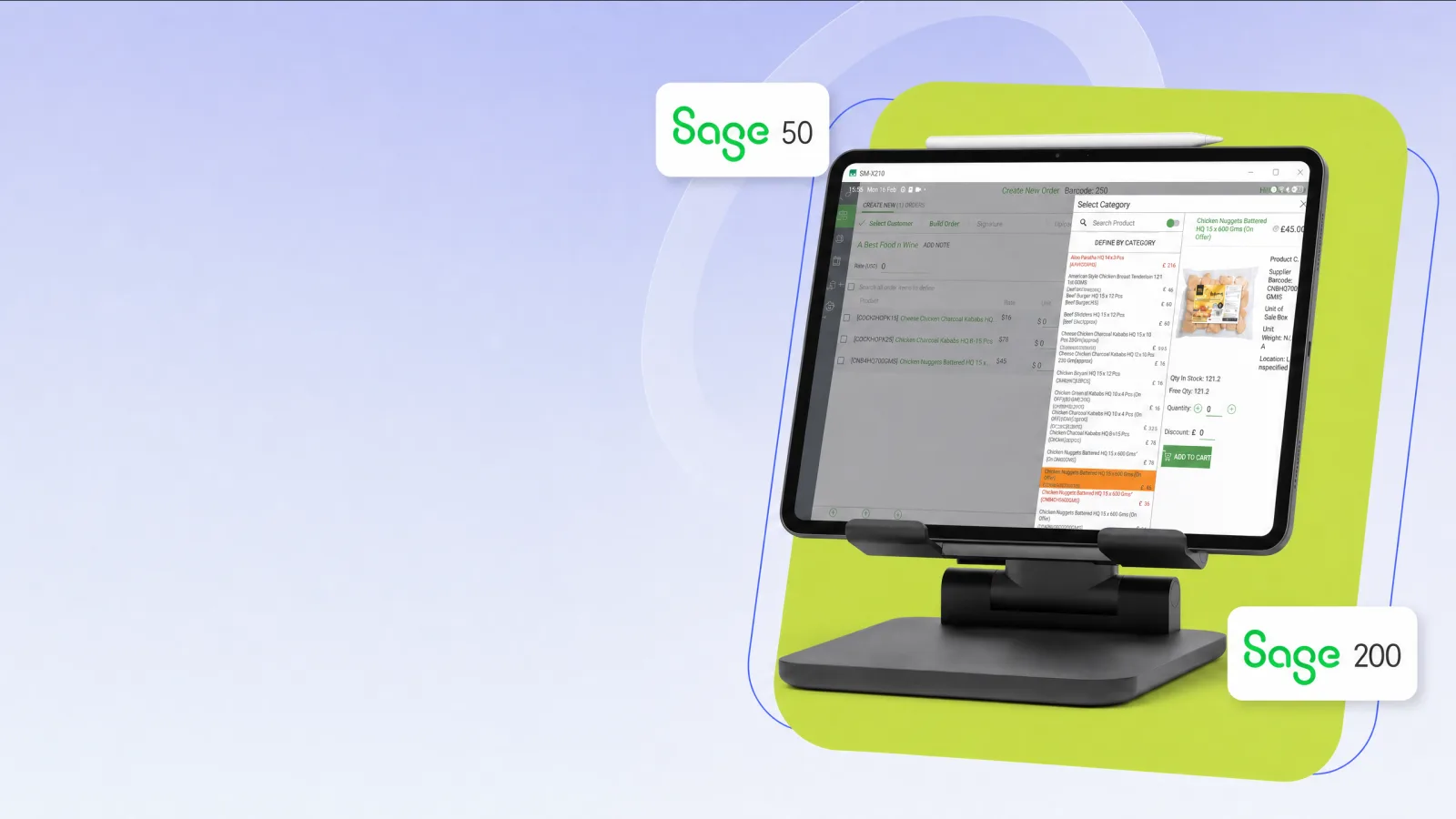
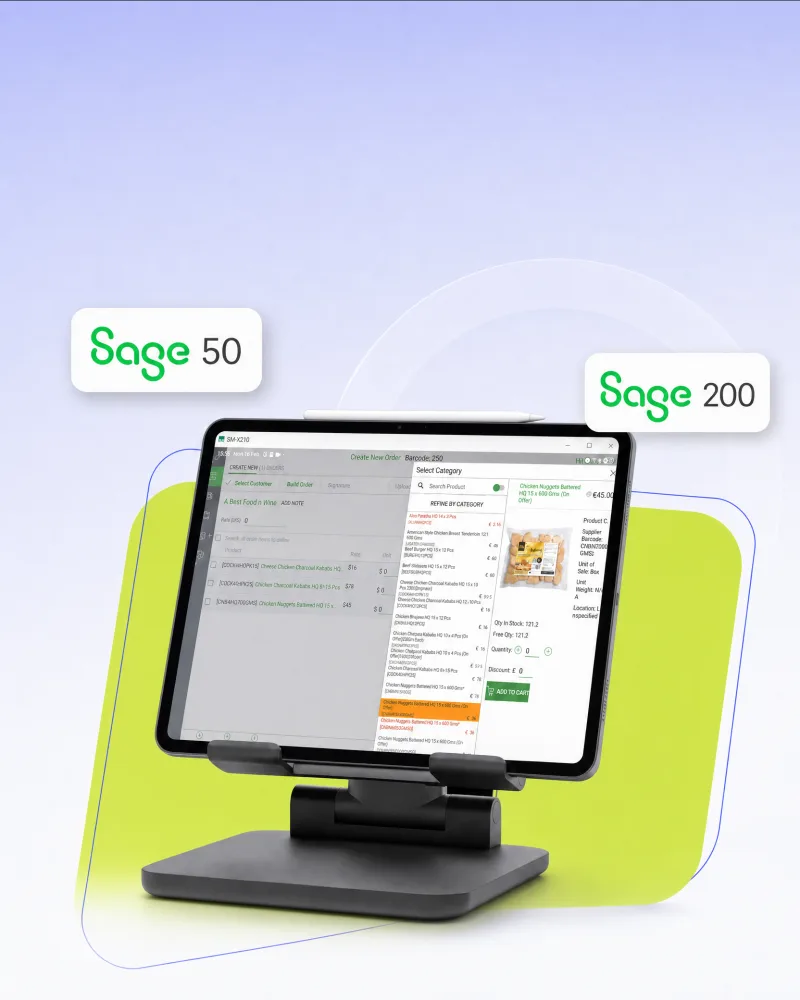
No calls back to the office to check stock.
Barcoder · ES Consulting
Mobile Sales App for Sage 50 & Sage 200
Give field sales teams the customer, pricing, stock, order history and order entry they need on the tablet — online or offline.
Orders synchronise automatically back into Sage 50 or Sage 200.
50
200
UK
Sage native
Built for Sage 50 and Sage 200 field sales teams
Built around the Sage visit — not a generic app store listing
Sage 50
Sage 200
Offline working
Android & iOS
Barcoder Cloud
Field sales workflow
Sage 50
Sage 200
Offline working
Android & iOS
Barcoder Cloud
Field sales workflow
Everything your sales rep needs while they’re with the customer
Barcoder Mobile Sales puts the information the representative needs directly on their tablet, so the visit becomes the order rather than a note to type up later.
No searching for the correct customer price.
No handwritten orders that need entering again later.
The field-sales workflow Sage already holds
Customer information
Customer accounts and contact details on the tablet, ready before the conversation starts.
Customer pricing
Customer-specific prices and discounts — not a generic price list guessed from memory.
Order history
See what the customer has bought previously and build the next order from that context.
Stock availability
Check current stock while speaking with the customer, instead of calling the office.
Mobile order entry
Create the order at the customer’s premises, while they are still engaged.
Sage integration
Send the completed order automatically into Sage 50 or Sage 200.
Book a Demonstration
See customers, prices, stock and order entry on the tablet.
Quality of the visit
Customer, price and stock before the order is spoken.
Order captured once
No second typing pass when the representative is back.
Sage stays the system of record
Mobile Sales is the field layer, not another accounts package.
A dedicated sales workflow — not the whole Sage application
Giving a salesperson remote desktop into Sage is the long way round. Mobile Sales is the short visit: customer, product, price, stock and order, then back into Sage 50 or Sage 200.
Sage 50 landing page
Sage 50 / Sage 200 ↔ Barcoder Cloud ↔ the sales rep’s tablet
Select customer → Check history → Select products → See price → Check stock → Submit order → Sage
Synchronise Sage data
Customers, products, pricing, stock and other supported information become available to Mobile Sales.
Visit the customer
The sales representative opens the customer account on the tablet.
Review the account
See relevant prices, purchasing history and stock availability in one place.
No signal? Keep selling.
Cellars, rural drops, multi-storey sites and van routes do not wait for 4G. Supported data stays on the tablet, orders can still be taken, and they synchronise with Sage when coverage returns.
Proven in daily use
Mobile Sales is used by long-standing ES Consulting customers. Named case studies, logos and quotes are published here only with approval — this page is structured for that evidence, not placeholder reviews.
25+
Years engineering Sage 50 and Sage 200 operational systems
Customer stories
Approved logos, quotes and visit-level results will appear as they are cleared. No template testimonials.
How we present proof
From ES Consulting
“Engineering Sage additions that match your requirements precisely for over a quarter of a century.” — Hemang Badiani, MD
Who this is for
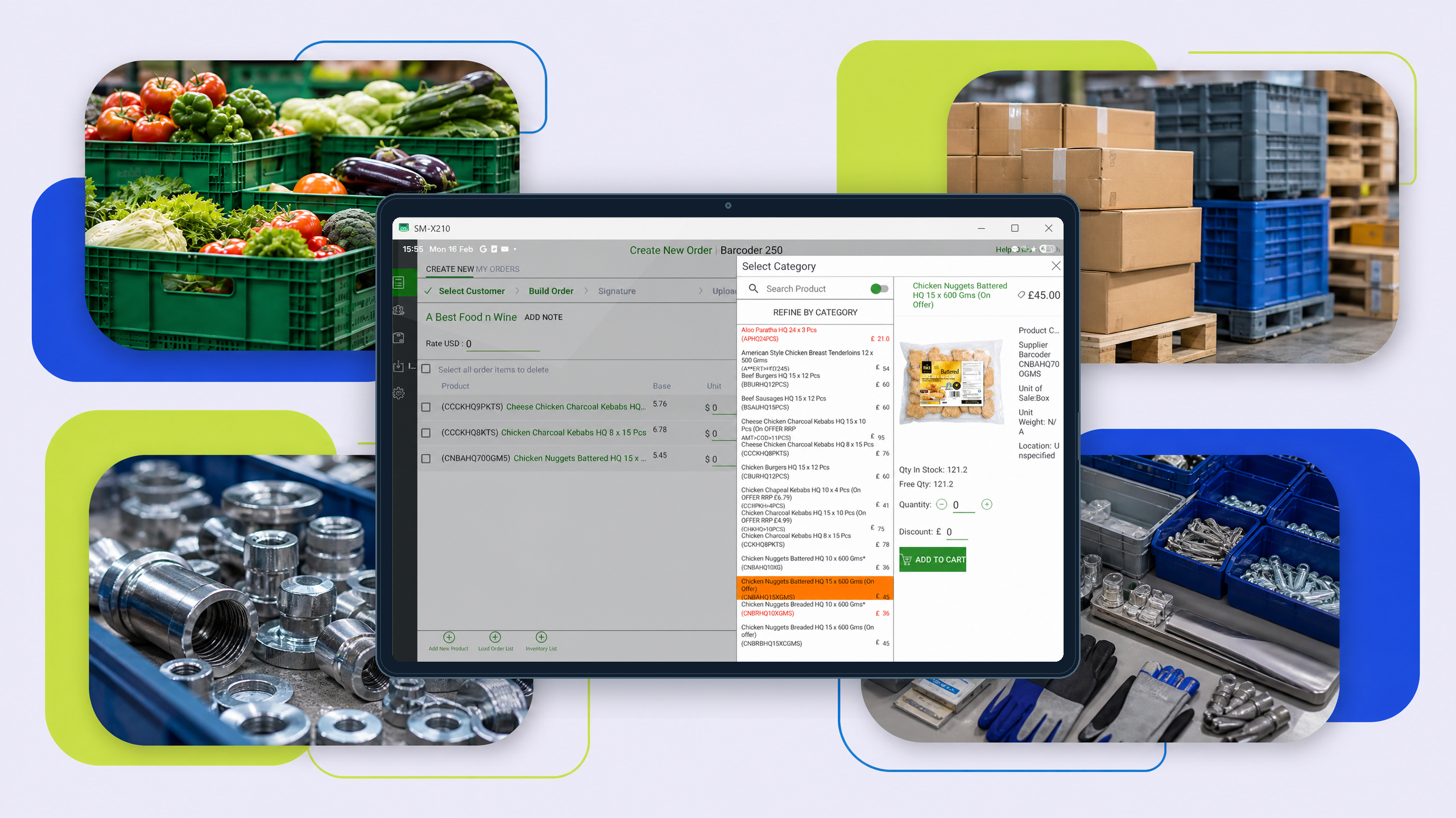
Built for B2B field sales
Food & Drink
Field reps selling to pubs, hotels, restaurants, retailers and wholesalers — repeat ordering, pricing, stock and offline coverage.
Wholesale & Distribution
Trade sales reps who need Sage customers, stock, pricing and ordering while they are on the road.
Industrial / Trade Supplies
Repeat B2B ordering, product availability and customer-specific pricing for trade counters on wheels.
Other B2B field sales
If your representatives sell from Sage on the road, the same visit workflow applies.
Ready to see it?
Let’s talk
Book a short demonstration and see the complete process from selecting a customer on the tablet through to creating the order in Sage 50 or Sage 200.