Customer management
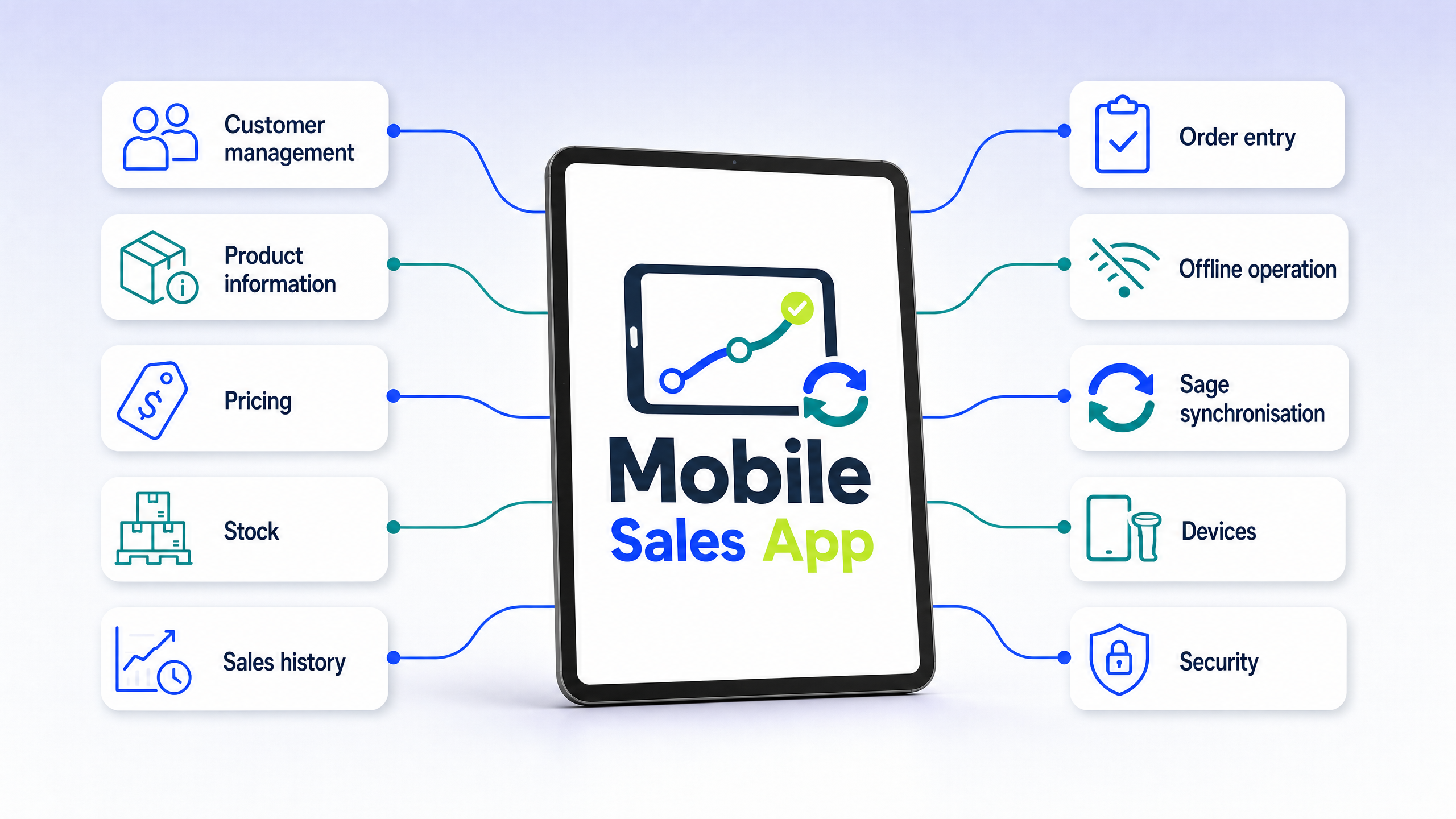
Customer details, contacts, account information and balances where supported — so the representative is never guessing who they are speaking to.
 Book a Demo
Product
Only the capabilities the visit actually needs — confirmed by ES Consulting. Not an ERP feature dump.
Customer details, contacts, account information and balances where supported — so the representative is never guessing who they are speaking to.
Search, categories, descriptions, images and product codes from the live Sage catalogue.
Customer-specific pricing, discounts and price lists. The tablet shows the price that belongs to that account.
Available stock, and warehouse information where applicable, checked in the conversation — not after it.
Previous purchases and orders, used as a practical starting point for the next visit.
Product selection, quantities, pricing, notes, signature if supported, then submit the order.
Keep selling without a signal. Supported data stays on the tablet; completed orders synchronise when coverage returns.
Inbound Sage data to the tablet, outbound orders back into Sage 50 or Sage 200 — one workflow, not two systems.
Android and iOS, on tablet or mobile, designed around a field-sales visit rather than a desktop accounts screen.
Access is limited to the sales workflow. Representatives get the customers, prices, stock and orders they need — not the entire Sage application.
Book a Demonstration
See customers, prices, stock and order entry on the tablet.
Ready to see it?
Book a short online demonstration and see the complete process from selecting a customer on the tablet through to creating the order in Sage.