Does this integrate directly with Sage 50?
Yes. The app pulls customer accounts, contacts, product details, pricing and sales history directly from Sage 50, and pushes completed orders back in.
 Book a Demo
Sage 50
Give your field sales team the Sage 50 information they need on the tablet, while keeping Sage 50 as the system of record. Reps can work from customer, product, pricing, stock and sales history where supported, then send completed orders back into Sage 50. That means one visit workflow for the salesperson and one less re-keying step for the office.
Customers, contacts, products, pricing, stock and sales/order history where supported become available on the tablet. The representative works from Sage data, not a separate catalogue.
New sales orders and relevant order information go back into Sage 50 automatically. The order is captured once, with the customer, instead of being re-keyed later.
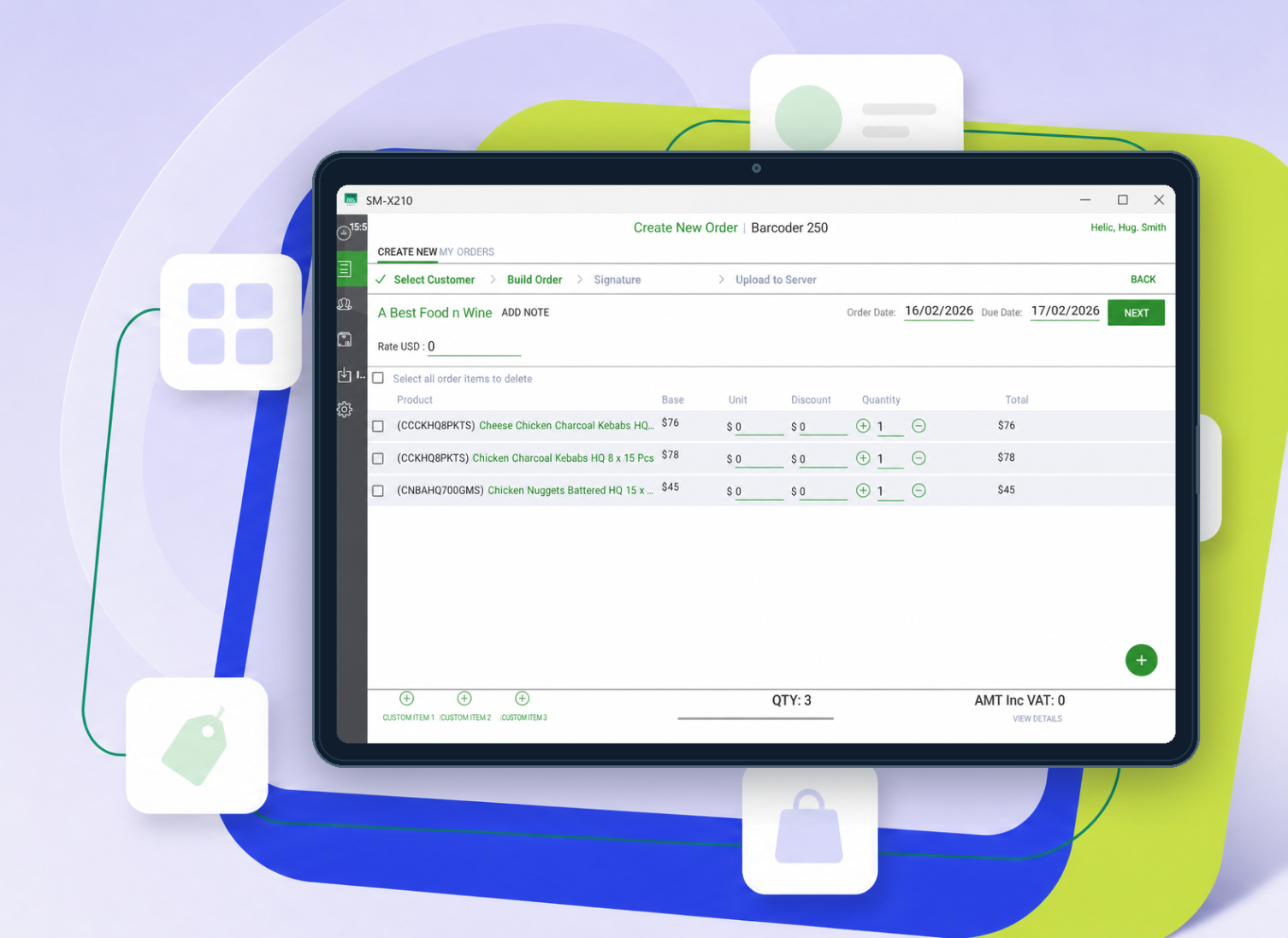
This keeps the visit short and focused on selling, not on navigating a full accounting screen.
Book a Demonstration
See customers, prices, stock and order entry on the tablet.
Sage 50 is an accounts application. Field sales is a short visit: customer + product + price + stock + order. Remote desktop, a laptop full of Sage, and a live connection are the wrong shape for that job. Mobile Sales is the visit layer. Sage 50 remains the system of record.
Yes. The app pulls customer accounts, contacts, product details, pricing and sales history directly from Sage 50, and pushes completed orders back in.
Yes. Field sales staff can see customer-specific pricing and discounts configured within your Sage 50 accounts.
Yes. The tablet workflow is designed to show stock information during the visit so the rep can confirm availability before submitting the order.
Yes. The workflow is built for field visits and completed orders can synchronise back to Sage 50 once connection is available.
A dedicated mobile sales app gives reps a short, focused workflow for customer, product, price, stock and ordering instead of exposing the full accounting system.
Ready to see it?
A short online demonstration of the Sage 50 visit: select the customer, see the price, check stock, submit the order.